Native iPhone installation and 1.1.2 acceptance, 2026-09-24
This record uses the user's iPhone through iPhone Mirroring, with a separate synthetic Candidate 112 phone vault. The existing LAN Demo test vault was left on its directory build. No private vault was opened.
Build and installation
- Obsidian on the phone displayed 1.13.7. The iOS version and phone hardware model were not recorded.
- Plugin source:
6efe0a40d0673f63e8ce56631f897d766f2ba8b6, the repaired 1.1.2 candidate. The directory still delivered 1.1.1; this was a manual candidate installation, not a published 1.1.2 update. npm ci --ignore-scripts --offlineandnpm run buildused the pinned Node 26.8.2 toolchain. The builtmain.jsSHA-256 was922744e3a409a42a9763028ce8c3b8a71a50457480fd0595809e176422a693a1.- The ZIP contained the three plugin assets, a Community plugins list and
ten synthetic Markdown notes. It contained no device identity, setup
token, pairing code, vault key or recovery phrase. Its SHA-256 was
324cf529243edf7202bd5a78a795091c819da650b4c62449e41cca93c521ea69. - A temporary LAN HTTP endpoint served only that public-code ZIP. The downloaded bytes were checked against the source archive on the laptop. This is a QA transfer, not a claim of authenticated phone-side artifact verification or a recommended release-distribution route.
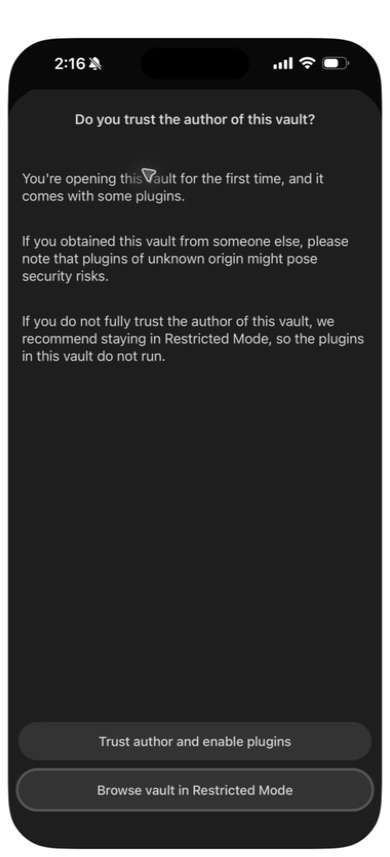
In Safari, download the prepared archive and reveal it in Files. Copy it into On My iPhone → Obsidian, use the archive's Uncompress action, then open Obsidian → Manage vaults and select the new test vault. The hidden plugin directory travels inside the archive even though Files shows only the ten ordinary notes. The phone offered this trust prompt:
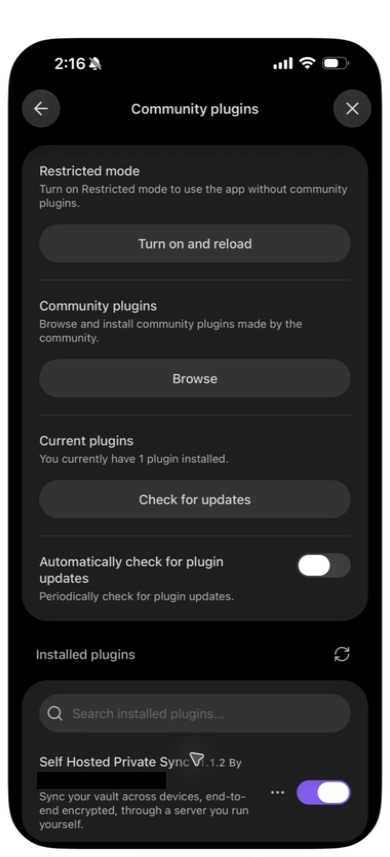
After trusting this locally built test vault, Community plugins displayed Self Hosted Private Sync v1.1.2, enabled:
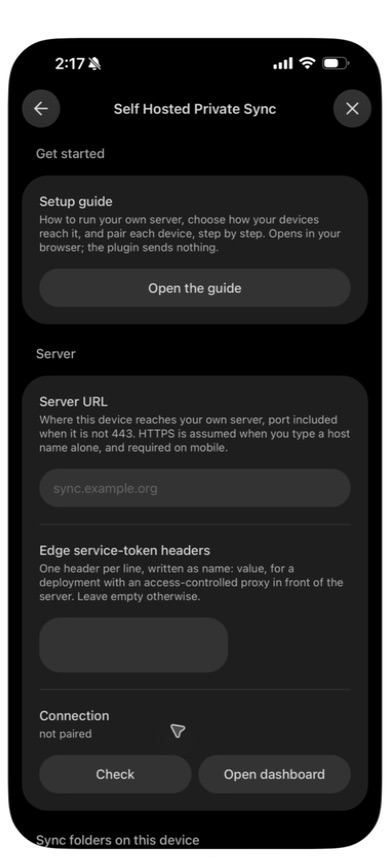
Its settings opened normally. Server URL, optional proxy headers and connection controls fit the phone viewport:
Pairing and identical first sync
The paired desktop used the same candidate bundle in an isolated profile of Obsidian 1.13.7 on macOS 27.0. The backend was the existing local 1.1.1 QA container. The desktop reached it through a loopback-only proxy because macOS did not trust the test certificate authority. The phone used HTTPS with its existing test trust. No system trust setting was changed.
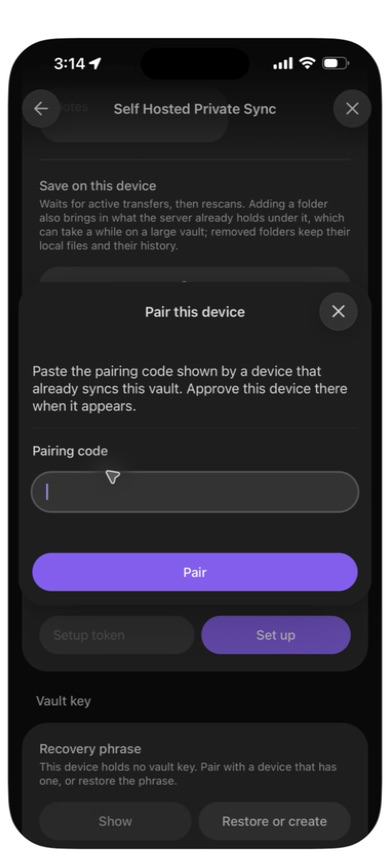
Before pairing, ten byte-identical notes were seeded on the desktop from the same fixture used in the phone archive. The desktop already had ten other synthetic files and two folders. The phone's empty pairing form was captured before creating the invitation:
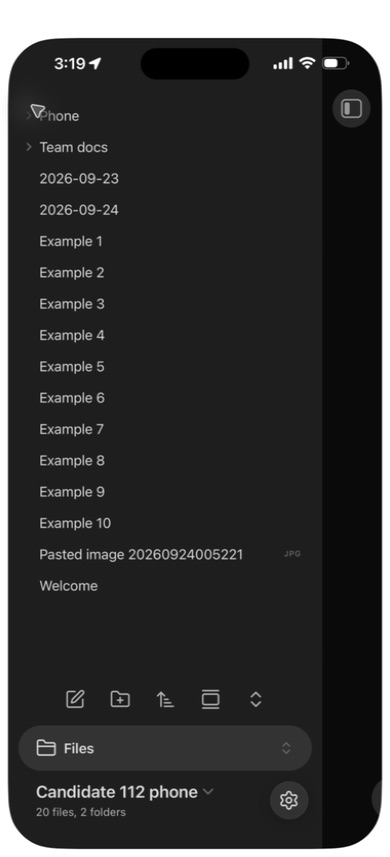
With the user's explicit authorization, the one-use code was transferred through the UI using temporary memory only and approved on the desktop. No code was printed, saved or captured. The phone received the desktop's additional files and showed 20 files and two folders, with exactly one of each of the ten seeded notes and no conflict copies. The desktop also held 20 files and no conflict copy. This passes the exercised identical-first-sync case in #131. The 1.1.2 settings page retained its old unpaired description until reopened; file arrival and the subsequent sync-status dialog established the enrollment.
Two-way edits and automatic recovery
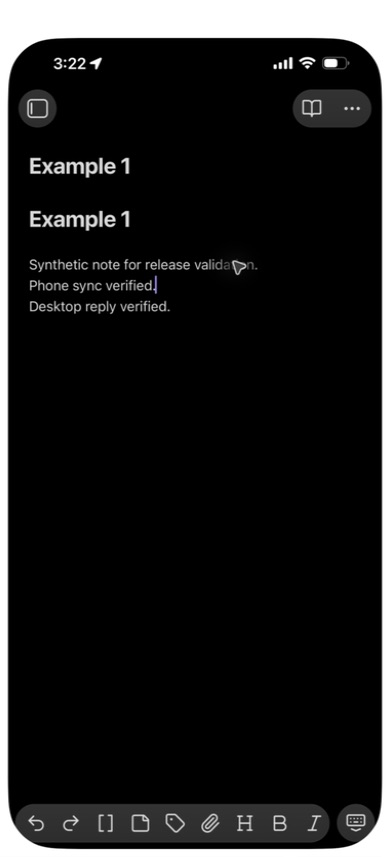
A line typed in the phone's native editor arrived in the desktop editor. The desktop's reply then appeared on the phone without Sync now:
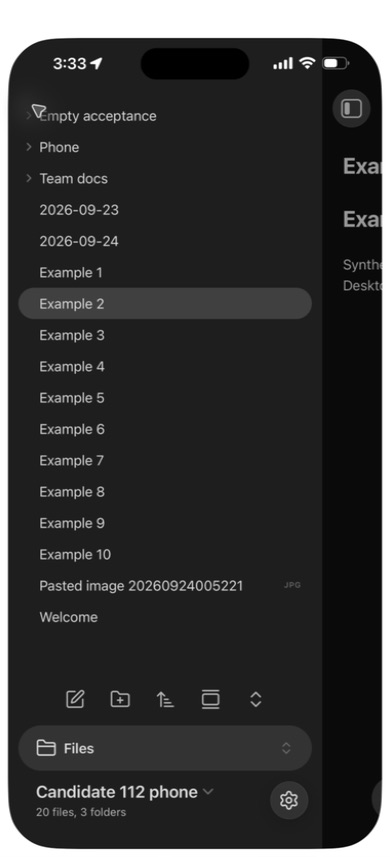
An empty folder created through the desktop's Create new folder command arrived on the phone. The QA backend was then gracefully stopped, retaining its volumes. The phone's status became offline — retrying. With the server still stopped, the isolated desktop process was quit, verified absent and relaunched into the same vault; its notes and empty folder opened with offline status. The phone's Reload app without saving command reopened its local note while the backend remained unavailable. No exact startup latency is claimed; the phone observation is an app reload, not an OS force-quit test.
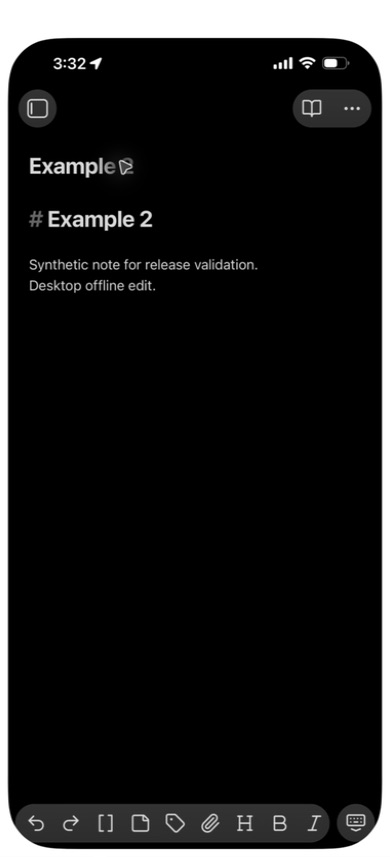
Each native editor then made a different offline edit, in separate notes. After the same backend was started, no manual sync or plugin toggle was used. The phone's edit arrived at the desktop 56.17 seconds after the local observation loop began, just after server readiness. The desktop's edit was later visibly verified on the phone; that direction has no precise arrival-time measurement. The phone's status settled to idle, tracking 20 files. Both devices retained the empty folder, and the phone still showed 20 files and three folders, without conflict copies.
These observations pass the exercised server-recovery path in #129 and the empty-folder restart case in #148. The local evidence includes the before/after file inventory, server readiness timestamp and two-second polling samples. They do not establish every V/J scenario, exact network-return latency on a roaming connection, an internet hosting route, or 1.1.3 phone S89 acceptance. Only the two edited note contents were visually compared on the phone; this is not a claim to have hashed the phone filesystem.